Now enrolling pilot practices on Open Dental. Pilots use OperatoryView free.Contact us

Keep your entire office on the same page.

OperatoryView brings your entire practice into focus on a single, live board. See every operatory, patient status, and message in real time from any PC in your office. And it runs seamlessly right alongside your existing practice management software.
Read-only connection to your practice softwareCompatible with Open Dental
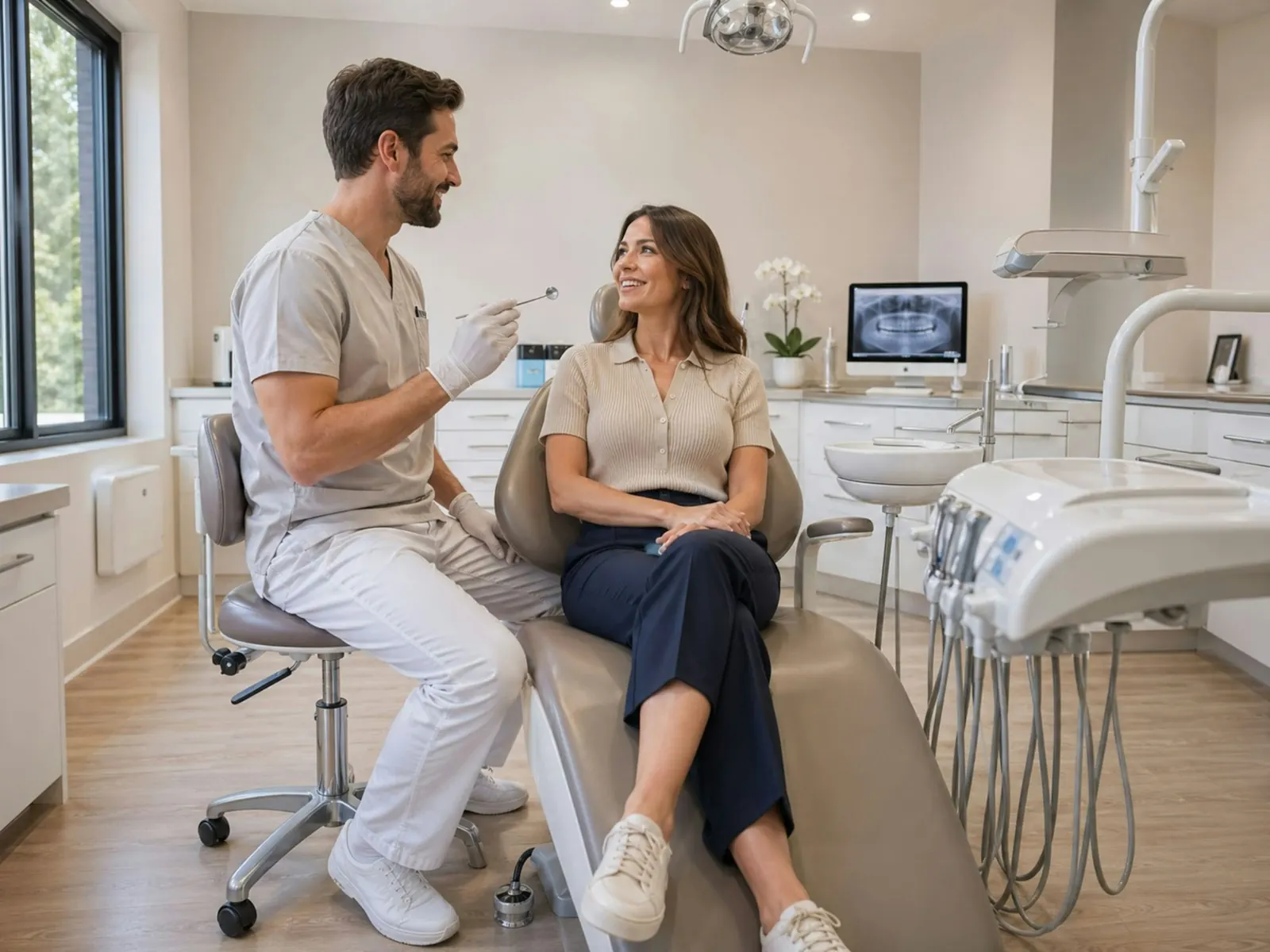
A dentist talking with a patient in a bright, modern operatory
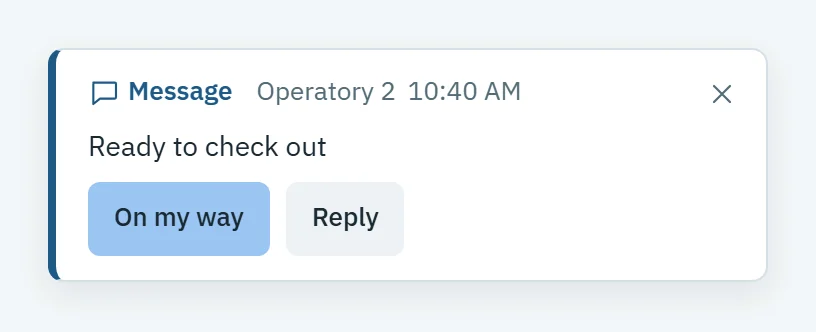
A message on the front desk PC: Operatory 2, Ready to check out, with On my way and Reply
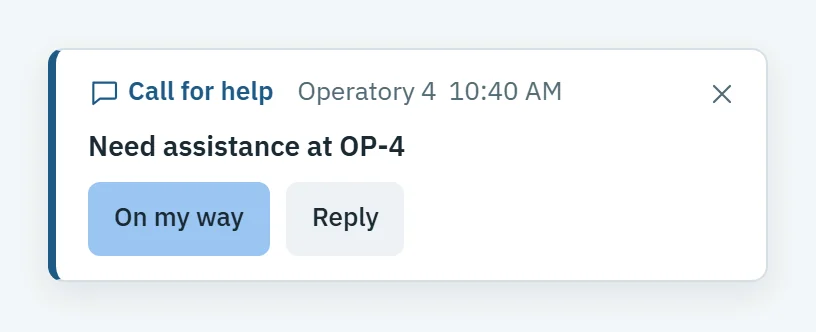
A call for help from Operatory 4 on every other PC, with On my way and Reply
Production today$1,834 of $11,314
Full communication suiteMessages, a full office chat, summons, office-wide alerts and calls for help between every room and the front desk
In-depth analyticsProduction per chair hour, utilization and dead time, by room, provider, day and hour
AI assistantAsk about your day, your schedule or your numbers in plain words
Read-onlyOperatoryView never writes back to your practice management software

Every room, every patient, on one screen.

Your operatories arrive from your practice software as room cards, laid out like your office. Each shows its patient, procedure, provider and a timer, so anyone can see what is running long before it runs over.
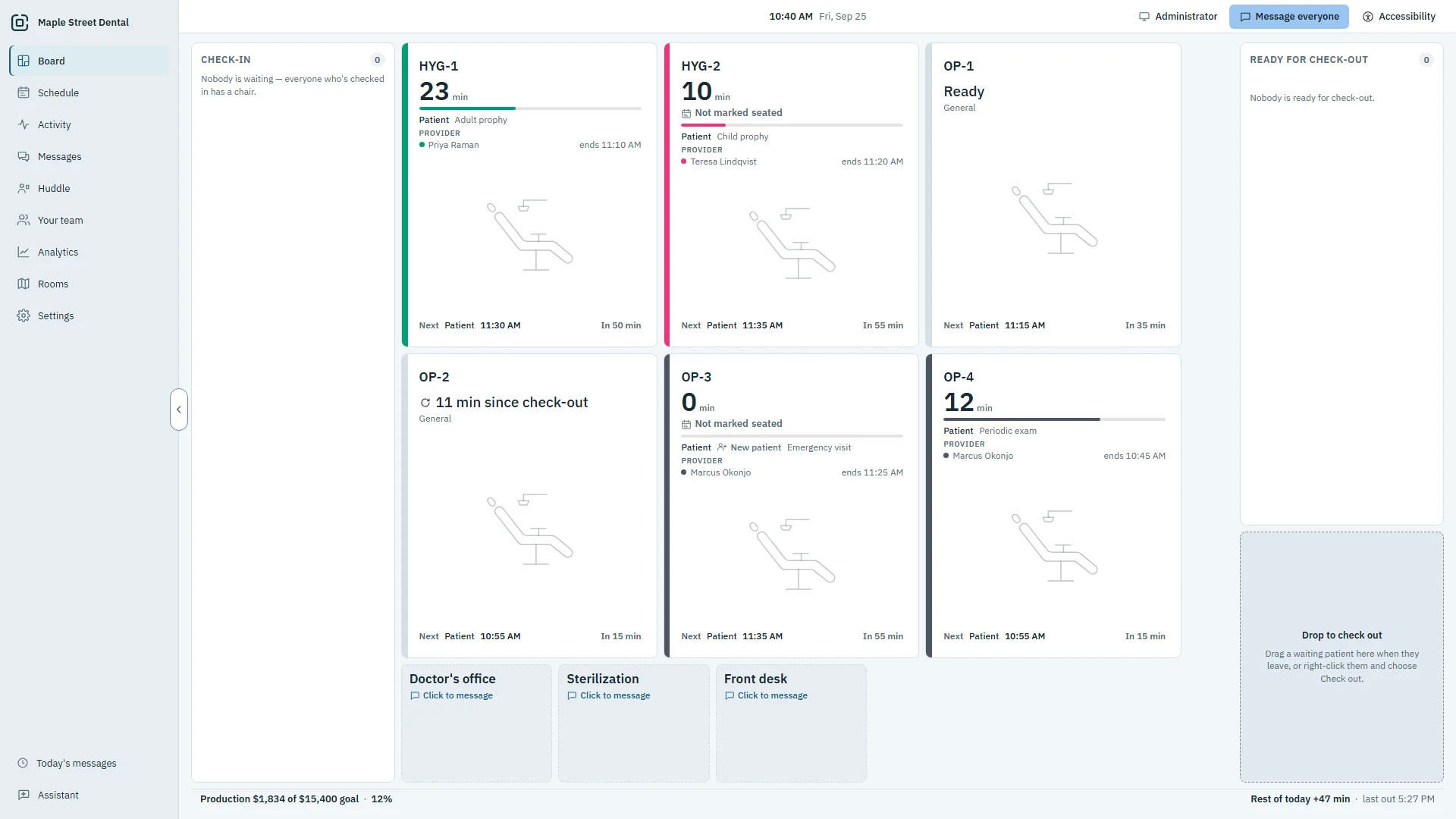
The OperatoryView Board on the demo practice: check-in on the left, six operatories with timers, and Ready for check-out on the right
1

Check-in

Patients who have arrived wait on the left. Drag one onto a free room to seat them.

2

In the chair

Each room counts its minutes, and the minutes past the booked end show at a glance.

3

Ready for check-out

A finished patient moves right, and any PC can check them out when they leave.

Built for the way a dental office actually runs.

Fewer walks down the hall, fewer calls across the office, and a clear picture of what the day produced.

Talk to any room without leaving yours.

Message a room, the front desk or everyone. It pops up on the PCs it is for, with a chime, and anyone can answer.
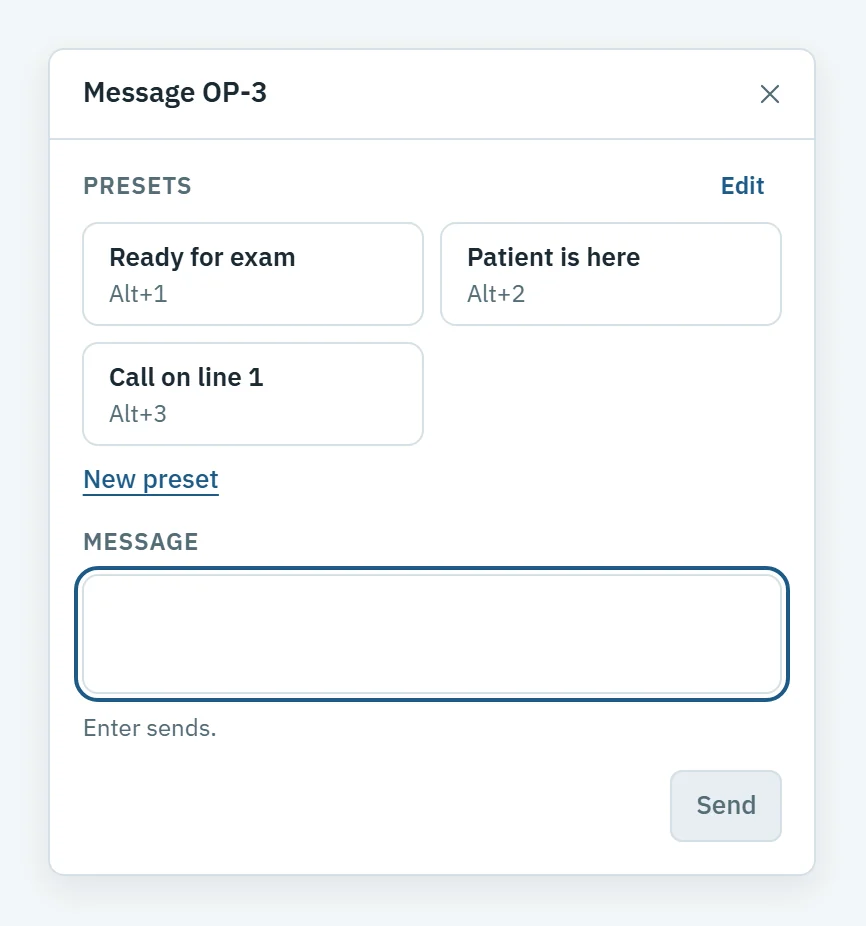
  • Summon a provider to a room, and Summon knows who is out
  • One right-click puts a call for help on every other PC
  • Presets for what you send every day, or your own words
  • A full office chat: channels, threads, direct messages and files
See messaging
The message window for OP-3, with presets Ready for exam, Patient is here and Call on line 1A call for help from Operatory 4, with On my way and Reply

Know what every chair earned, and why.

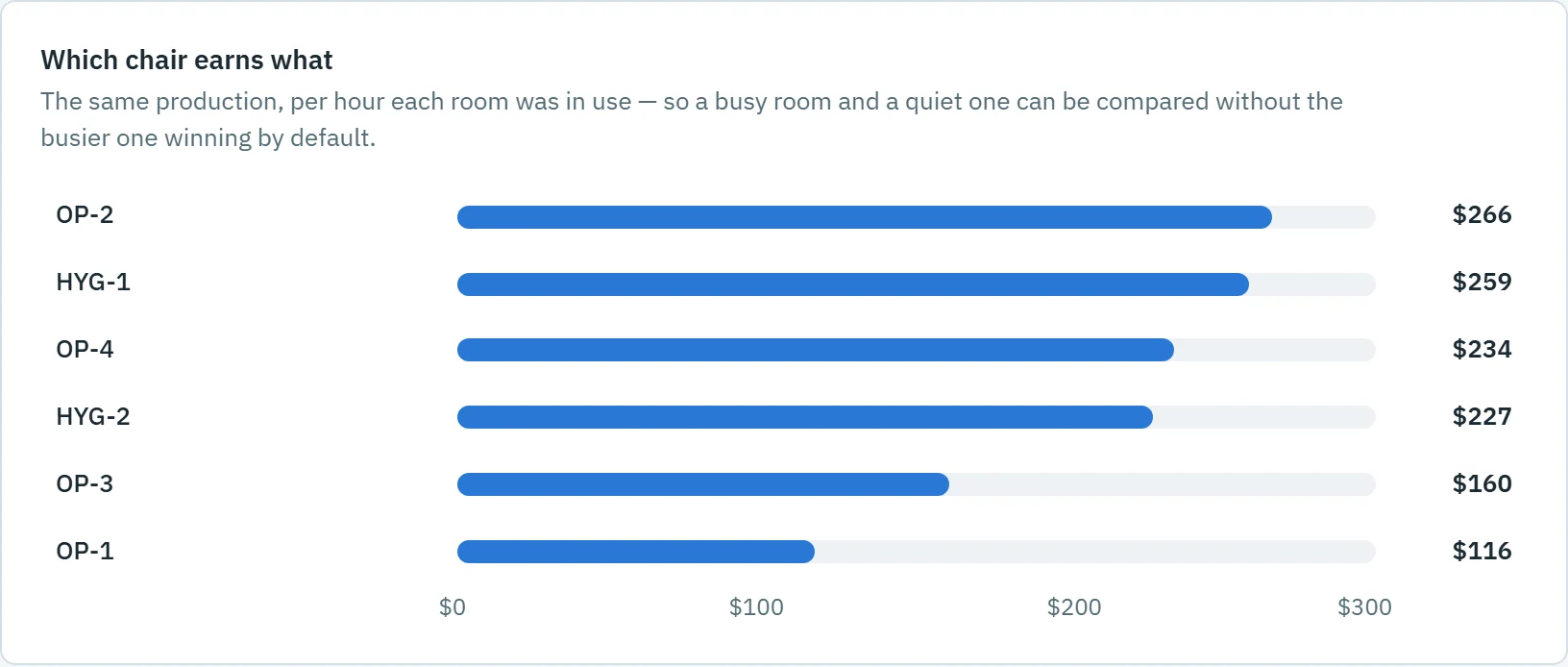
Production per chair hour, by room and by provider, against your goal, with the overruns and gaps that explain the number.
  • Today's production against your practice's goal
  • Utilization and dead time by room, day and hour
  • No patient name is stored in the analytics
See analytics
Which chair earns what: production per hour in use for OP-3, OP-1, OP-4, OP-2, HYG-1 and HYG-2 on the demo practice

Start every day already knowing it.

The morning huddle shows what today is booked to produce, who is new, who is in, and where the schedule is likely to run over.
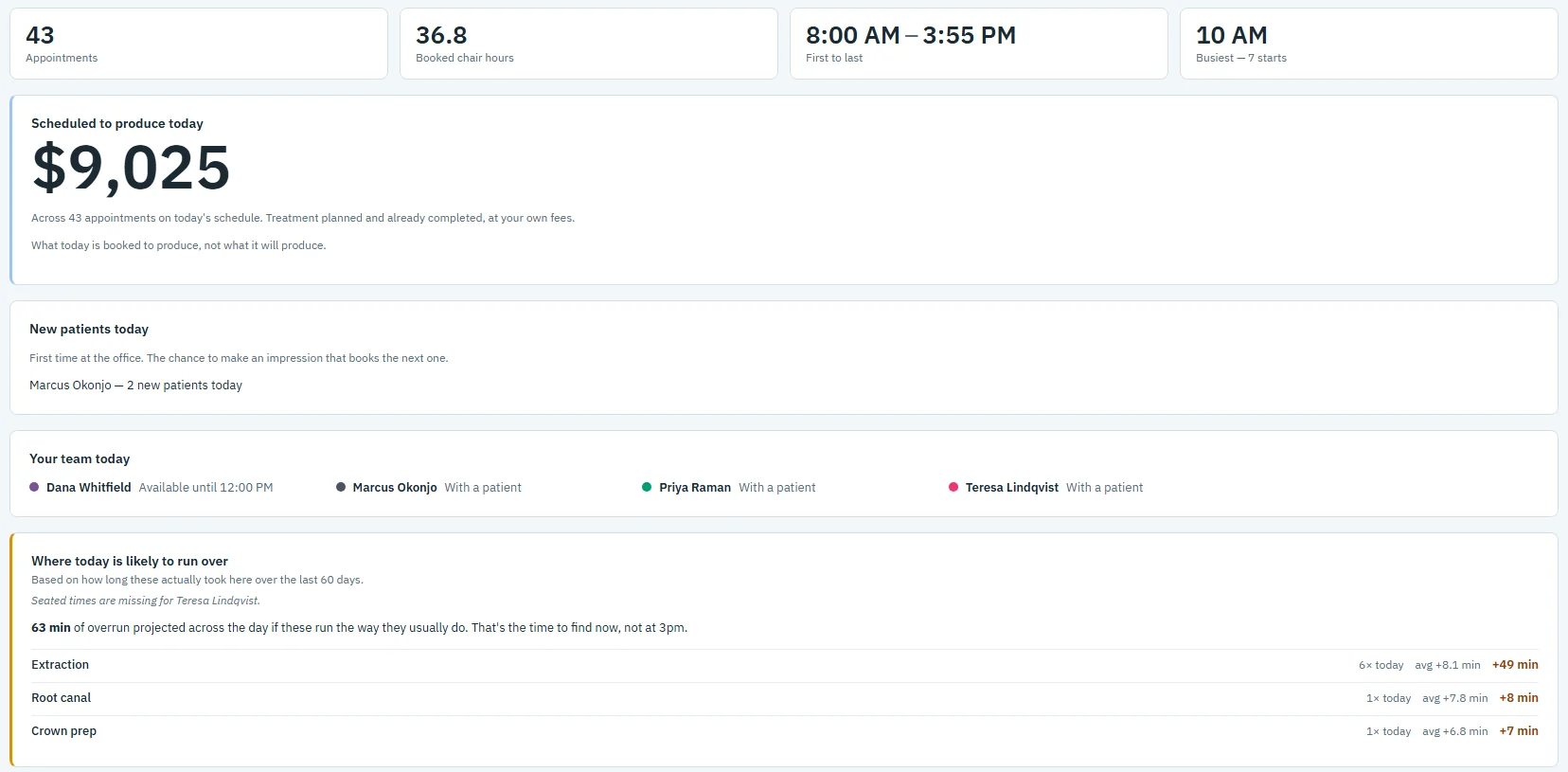
  • Scheduled production and booked chair hours
  • New patients and your team's day at a glance
  • Print it for the huddle, or read it on any PC
See the huddle
The morning huddle on the demo practice: 43 appointments, 36.8 booked chair hours and 9,025 dollars scheduled to produce
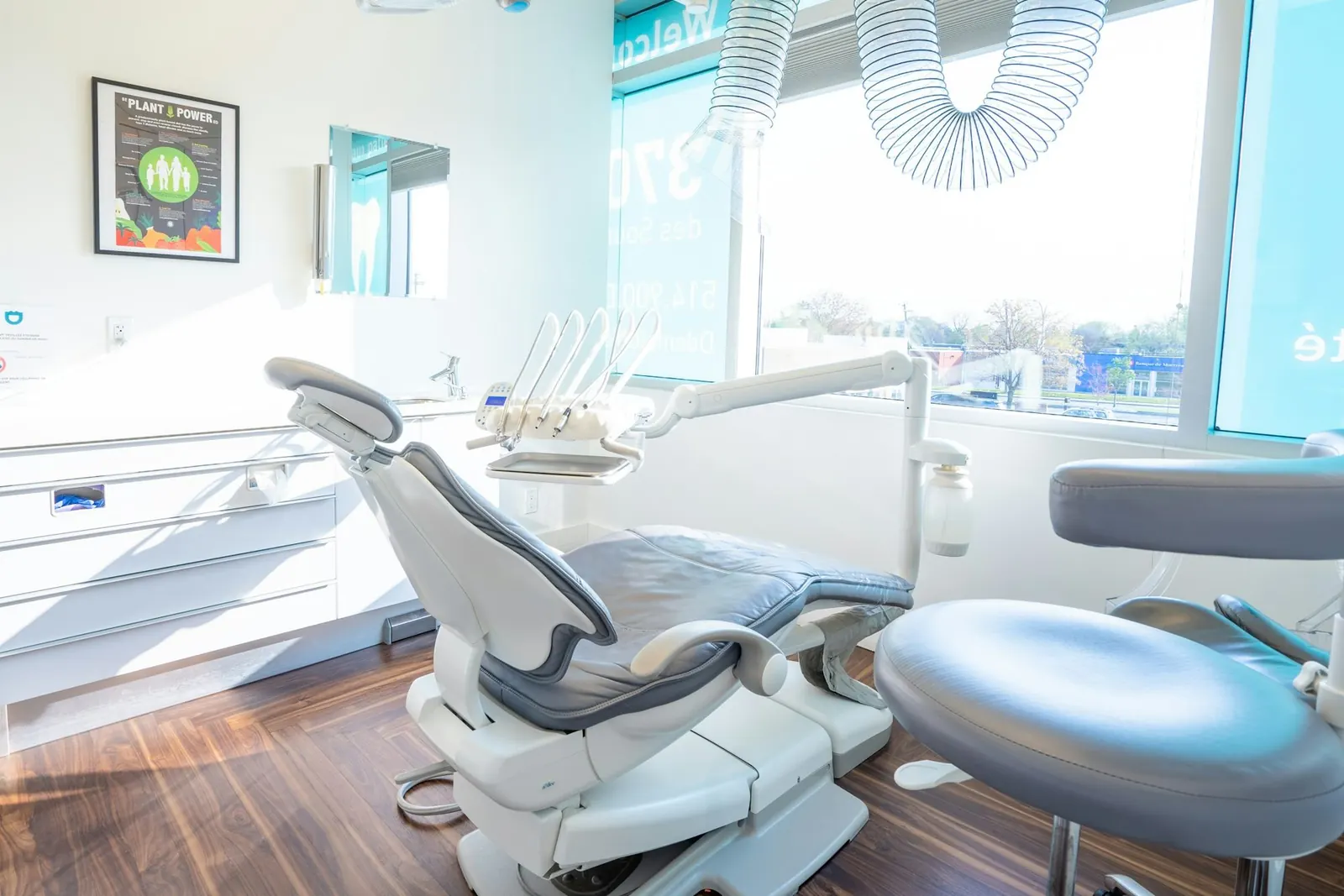
A bright, modern dental operatory
OperatoryView gives our entire team a clear view of the practice in real time. We can immediately see which rooms are ready, which are falling behind, and where we're losing time.
Dr. Ghazal FarhangBonita Smiles Dentistry

One board, set up for every role.

Each PC sees what it needs. The front desk sees everything it runs; a room sees what the chair needs.

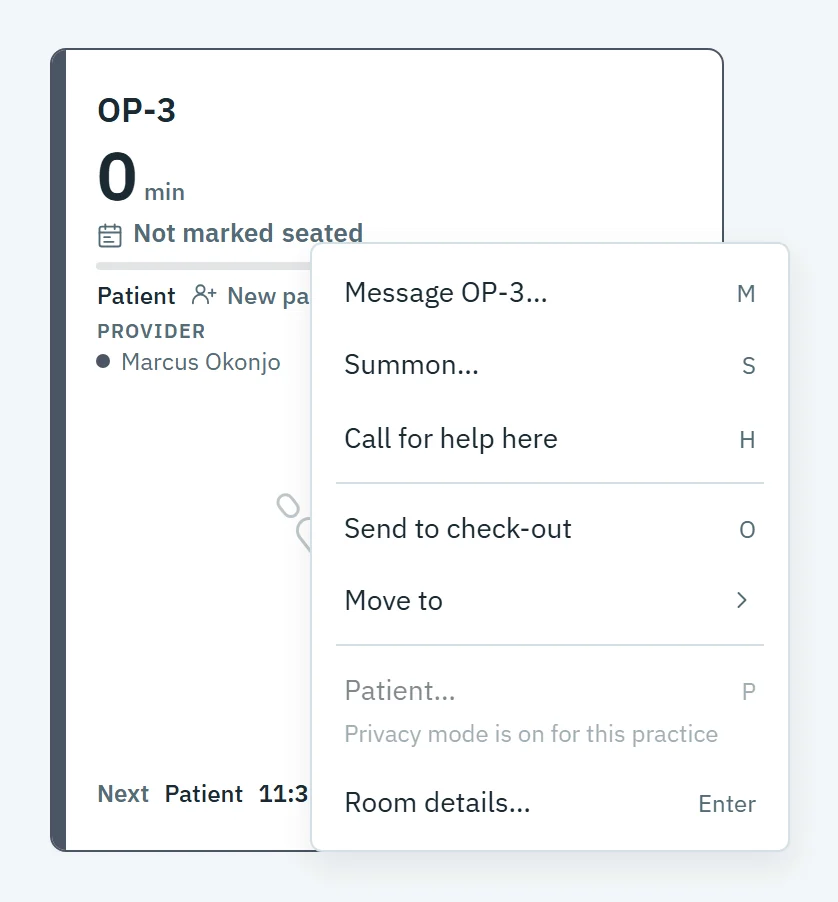
A room's right-click menu: Message, Summon, Call for help, Send to check-out, Move to
Front desk

Seat, move and check out without a phone call.

See who is waiting, which room is free and who is ready to leave, and message any room in two clicks.
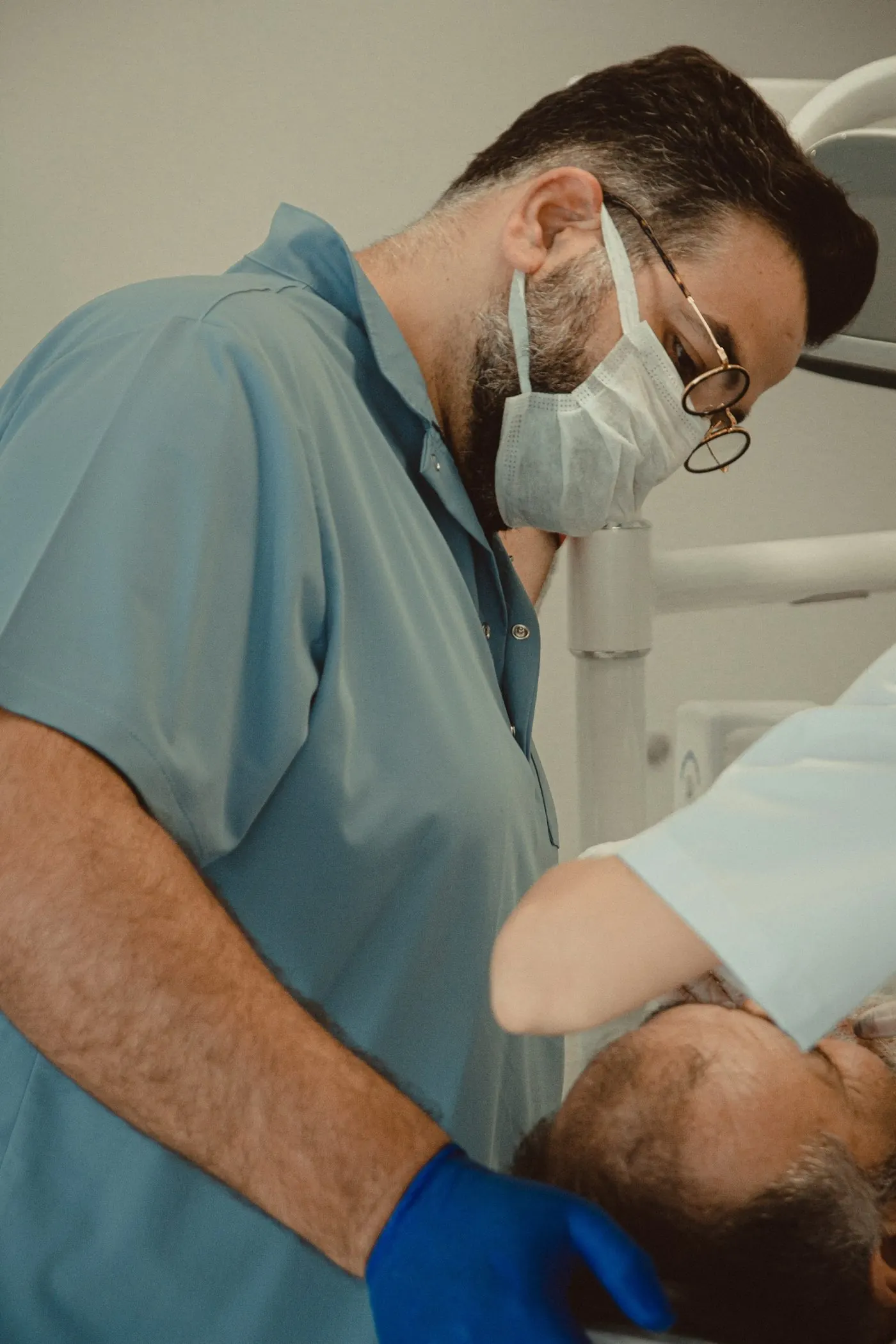
A dentist in scrubs and a mask treating a patient
Doctors and assistants

Ask for help without leaving the patient.

Call for help, summon the doctor or tell the front desk a patient is ready, right from the operatory PC.
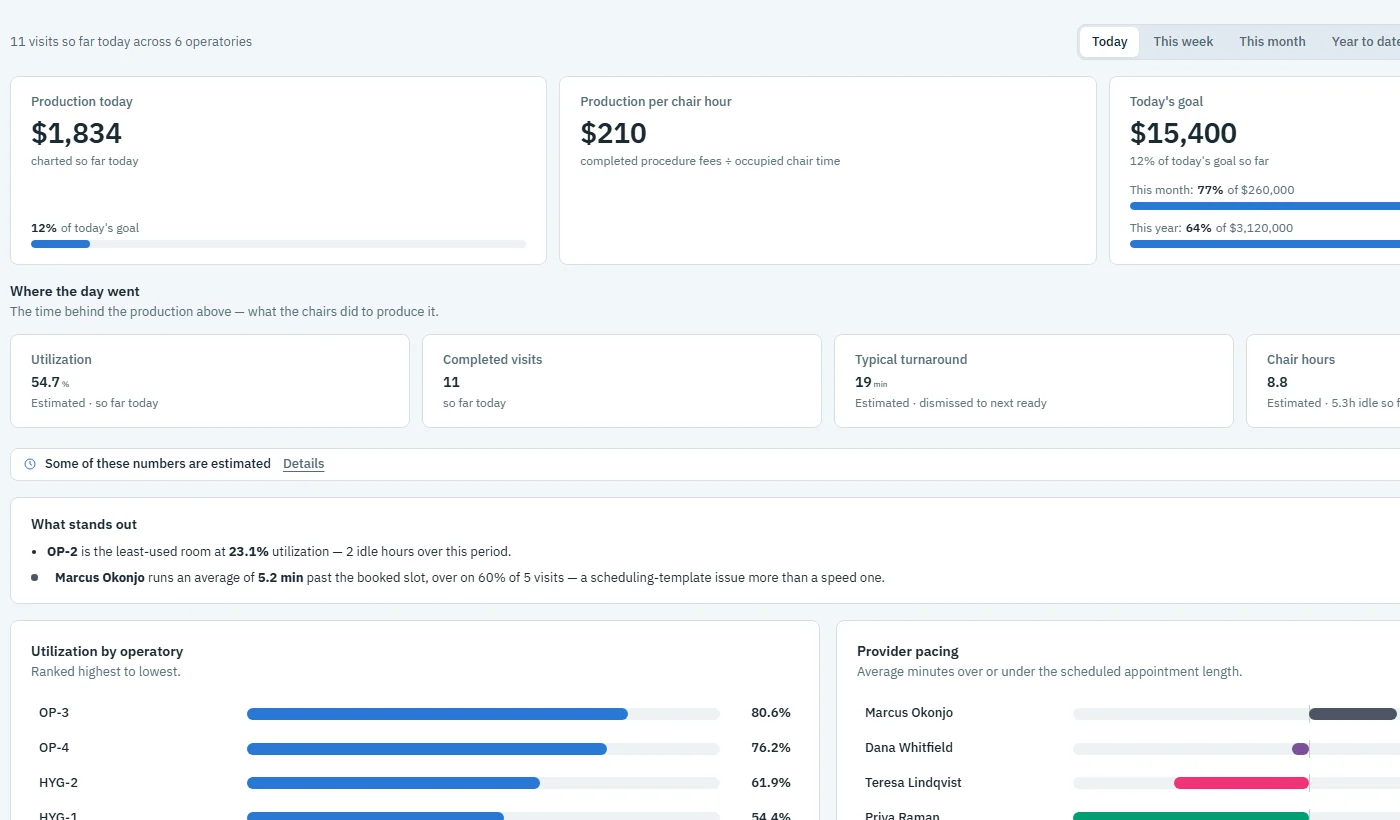
The analytics overview on the demo practice
Owners and office managers

See what the day produced, and the time behind it.

Production, utilization and pacing by room and provider, plus an AI assistant you can ask in plain words.

Patient data stays in your office.

OperatoryView runs on a computer you own and reads your practice software read-only. What it keeps, it keeps on that computer: your own patient alerts and team notes until someone removes them, messages and their files for the time your admin sets, and assistant chats for 30 days.

How we protect your data

Read-only connection

Through your practice software's official API. OperatoryView cannot change it.

Encrypted

In transit between your PCs and at rest on your server, with a key that stays there.

A record of every look

Every time a patient's record is opened, the audit log records who, from which PC, and when.

A BAA with your practice

We sign a Business Associate Agreement, and the AI features run on HIPAA-eligible services under one.

Works with the software you already run.

OperatoryView connects to your practice management system through its official API, read-only. Here is what is supported today, and what is coming.

See compatibility
Open DentalInstalled in your officeSupported today
Open Dental CloudHosted by OperatoryViewSupported today
DentrixComing soon
Dentrix AscendComing soon

See OperatoryView on your own PC.

The demo runs the Board, messaging and analytics on a sample practice, with nothing to connect.